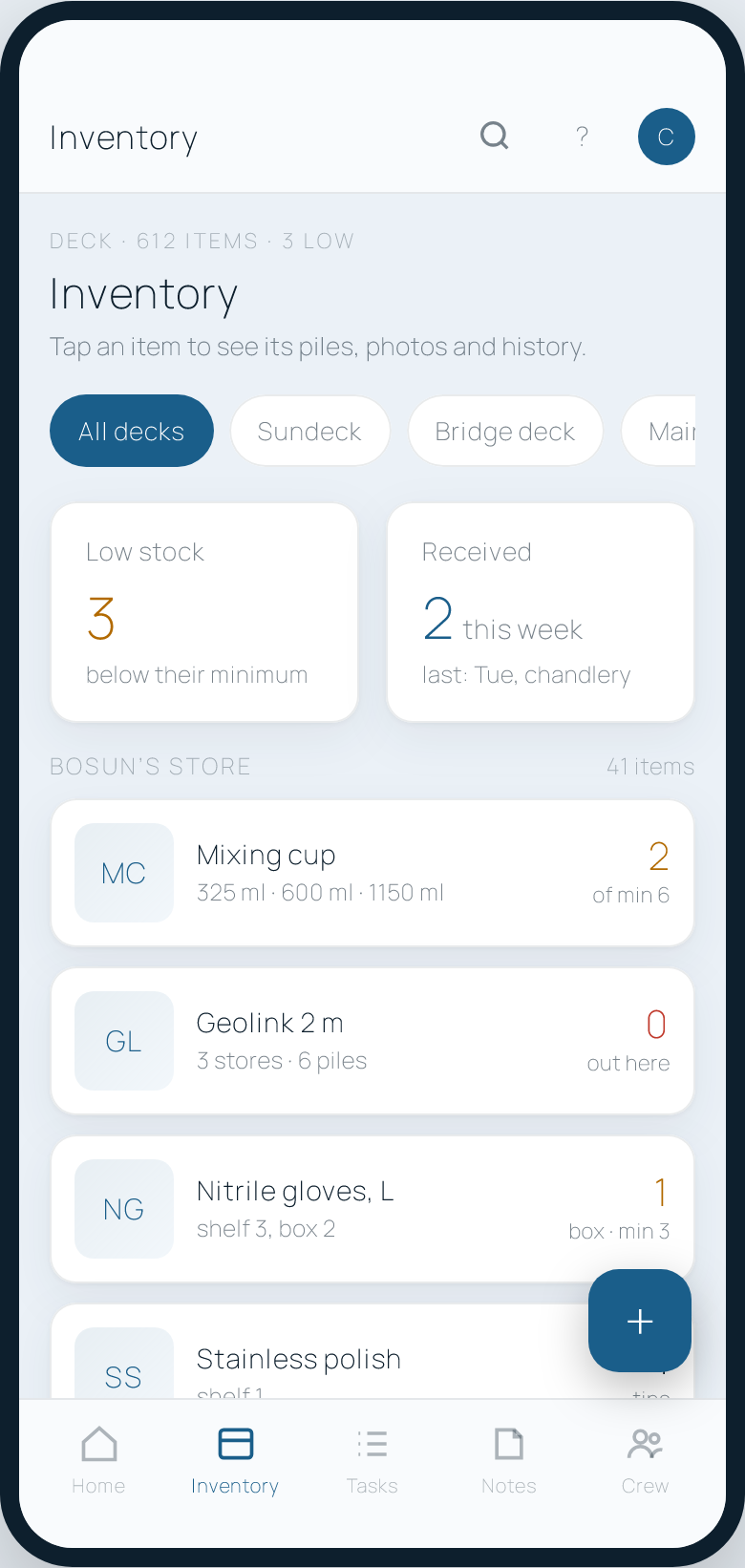
Inventory
Every locker, counted and photographed.

For superyachts · built onboard one
Inventory, jobs, notes, hours of rest and leave. Tailored to your yacht.
In use every day onboard a working superyacht. Priced per vessel, not per crew member.
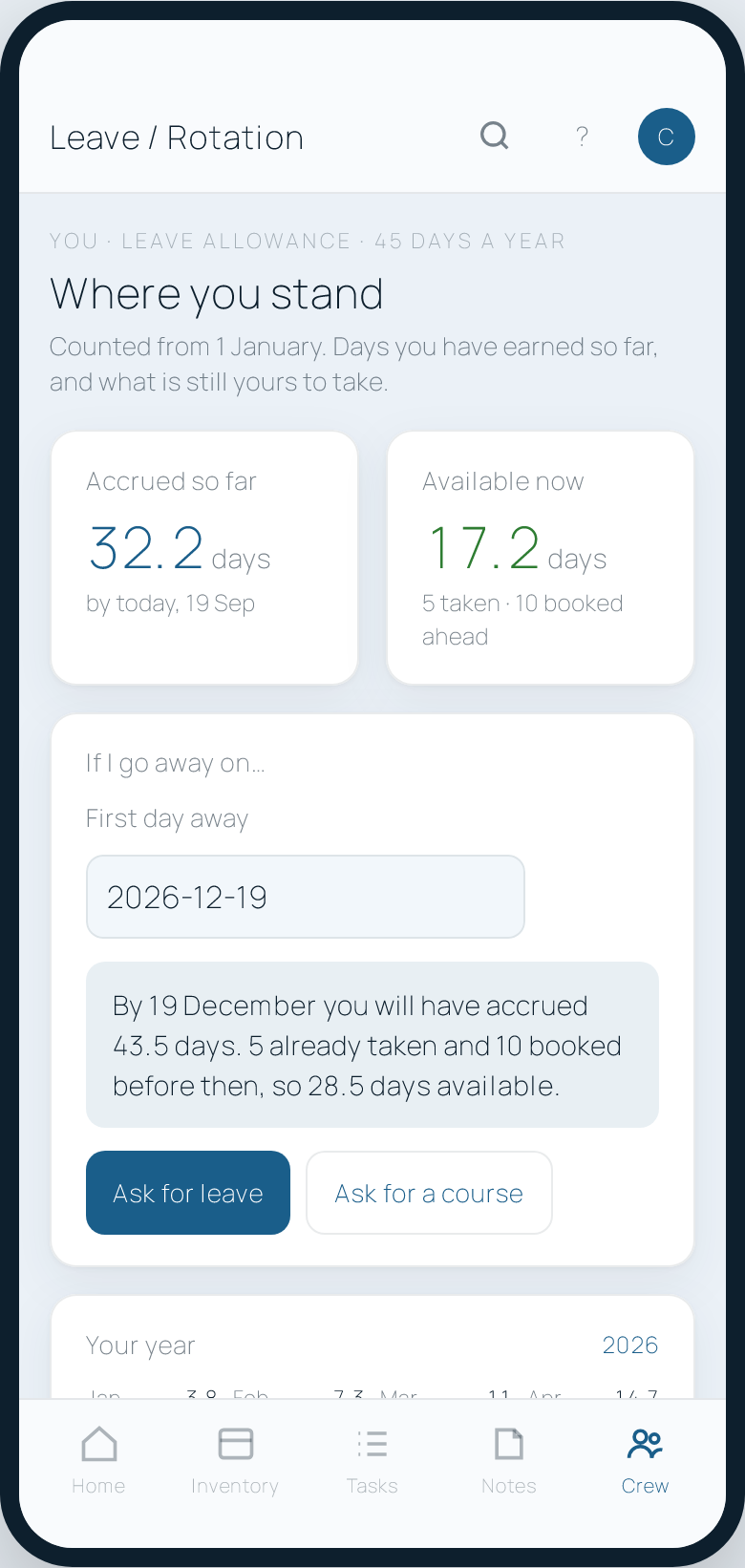
Sample data.
Keep scrolling. The steps go across, and the page carries on when they are done.
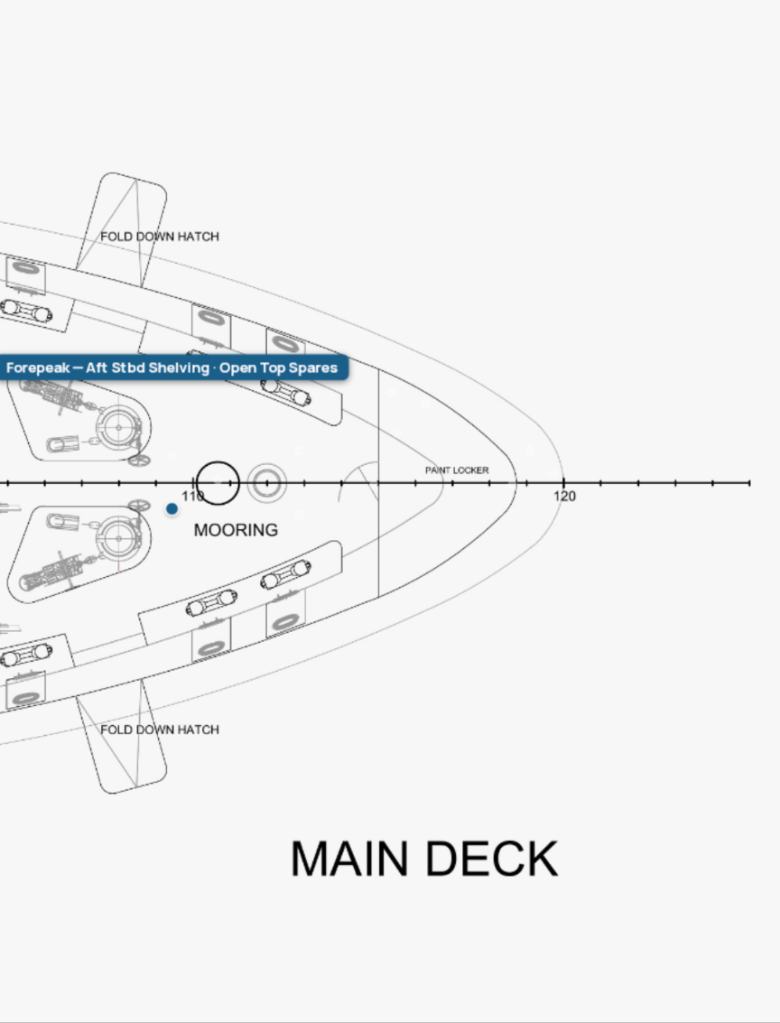
01 · Open
STOW opens on the last screen you were on, with or without signal.
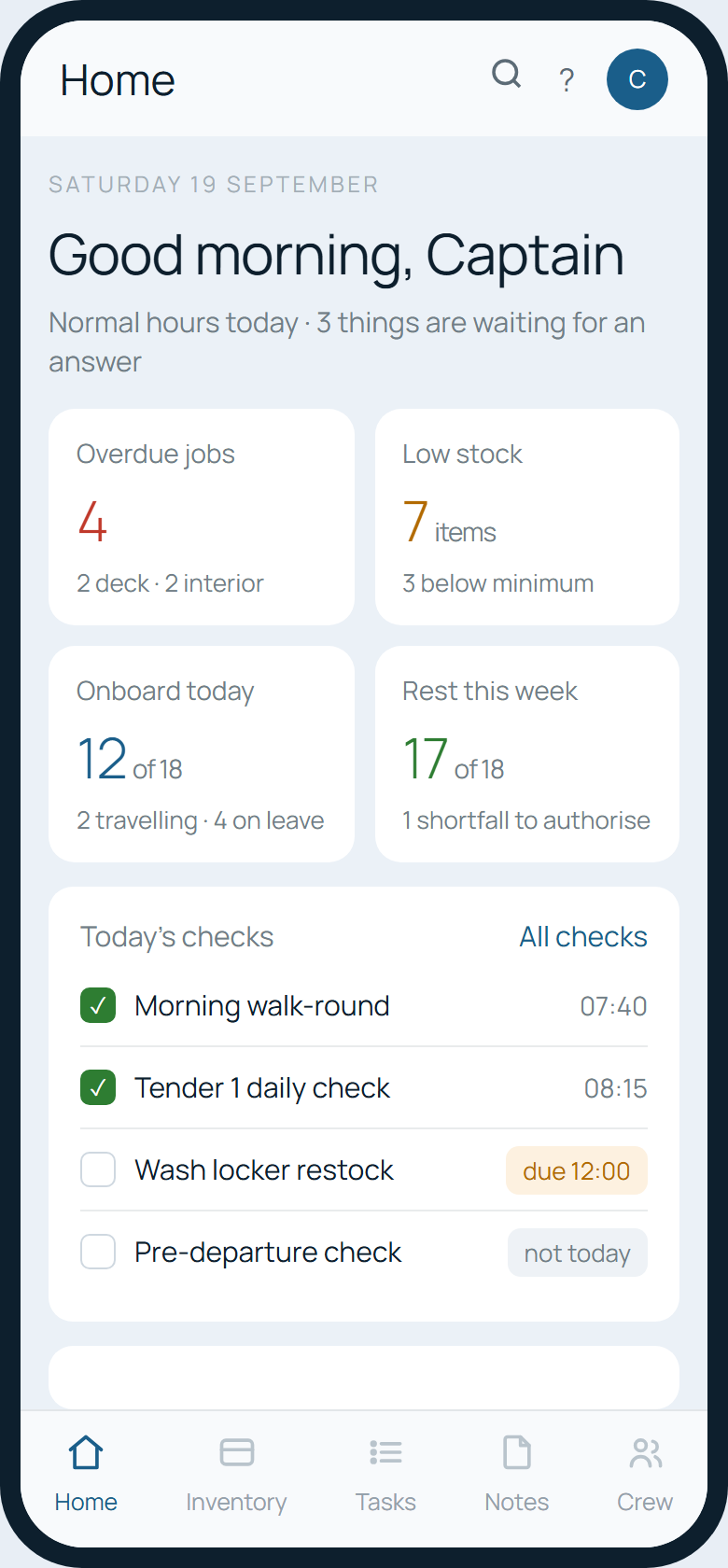
02 · Home
Today’s checks, the jobs due, who is onboard. One tap on Inventory.
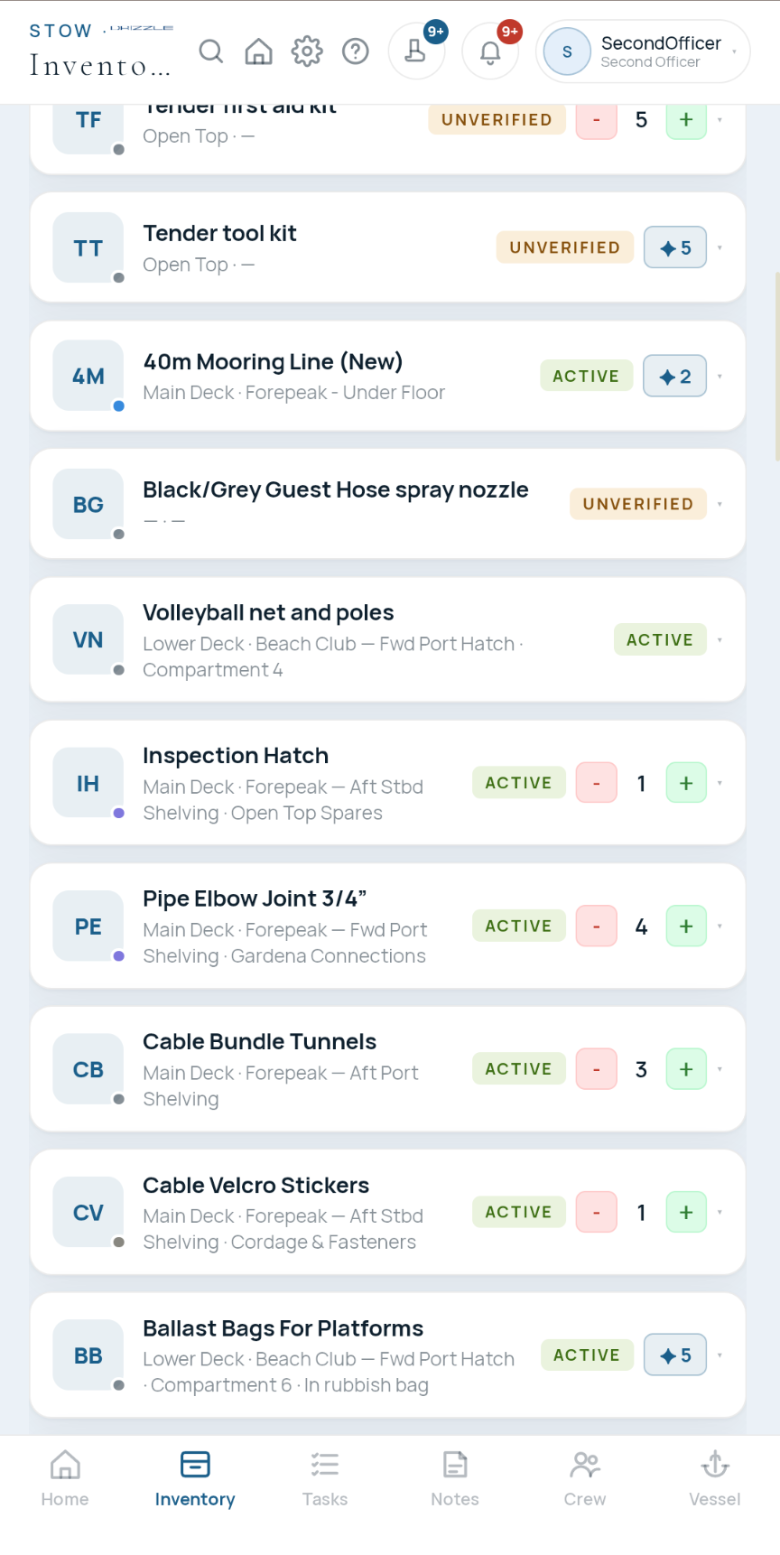
03 · Inventory
The item, the deck and the locker it lives in, how many are left, and a plus and a minus to count it right there.
04 · The GA
One tap opens the general arrangement at the locker, pin and all. Pinch to zoom, walk there, put the phone away.
Swipe through. The same records on a phone and on the bridge computer.
Every locker, counted and photographed.
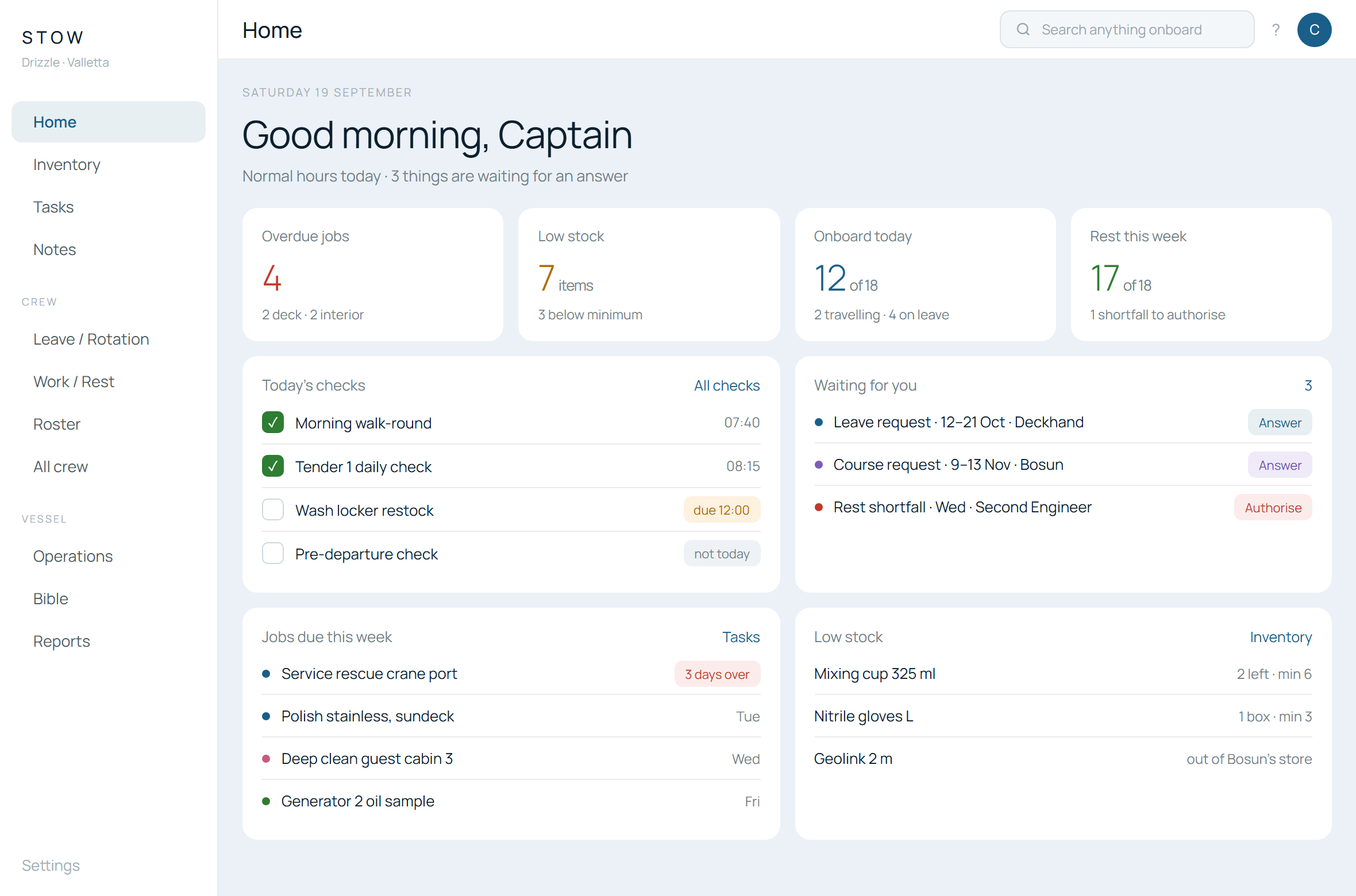
The numbers that need you, first. Arranged by you.
Earned only onboard. Answered in a sentence.
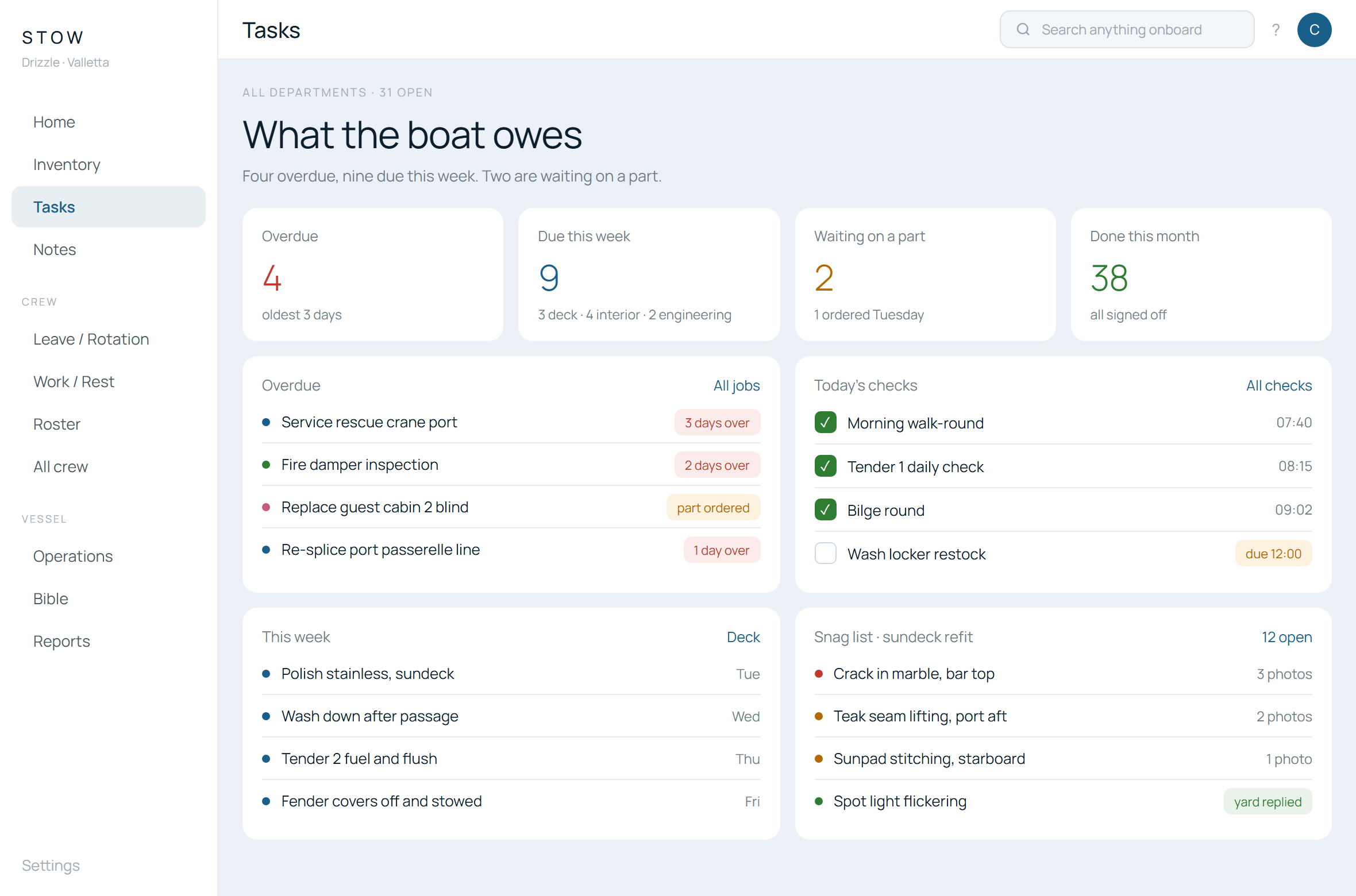
What is overdue, and what the week owes.
Checks, jobs and what is waiting on you.
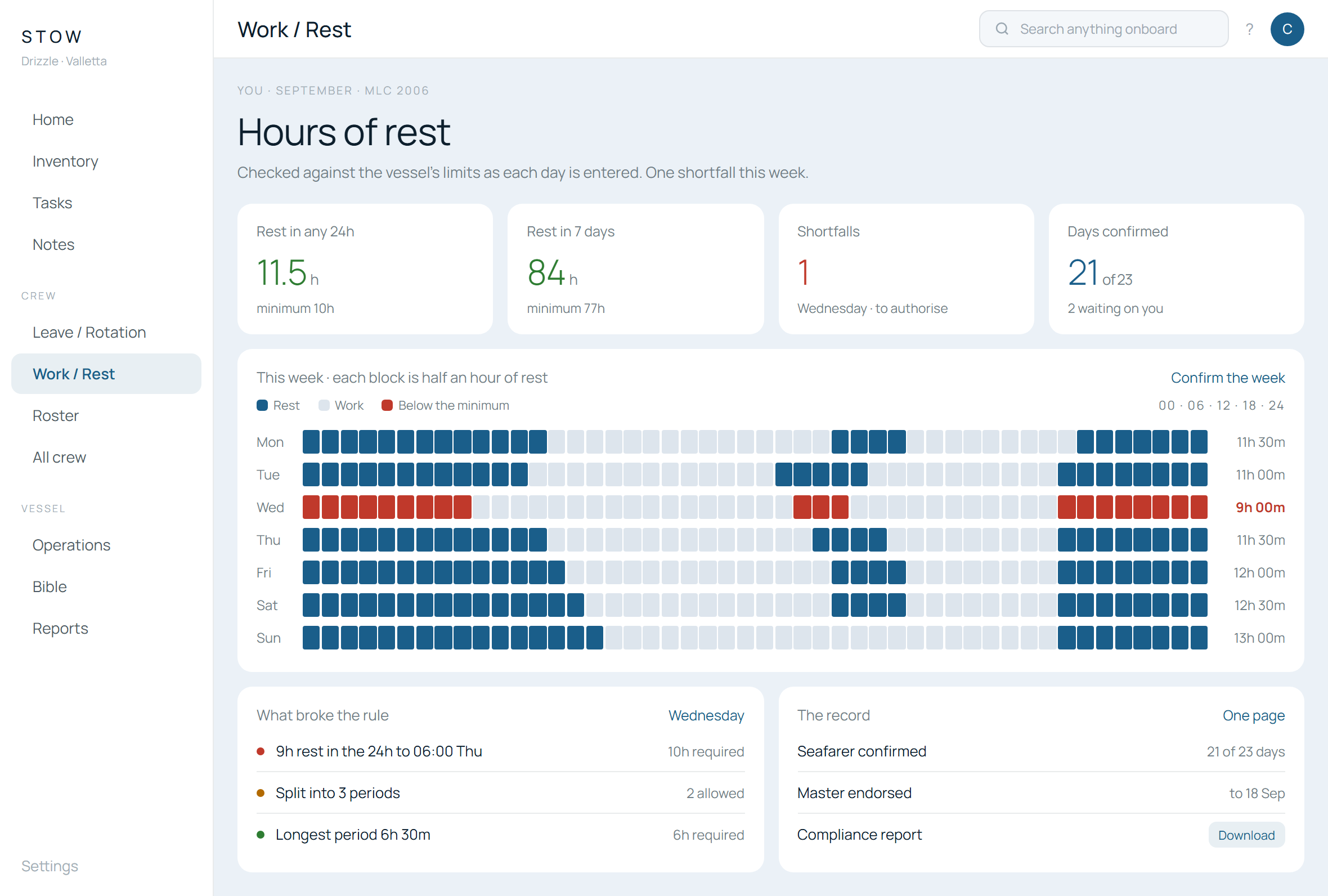
The week in half-hours, checked as it is entered.
Tap one to see it properly.
What needs you today, first. Arranged the way you want it.
See it › 02Every locker, every item, photographed and counted. Shaped to your yacht.
See it › 03Jobs by department, daily checks, and snag lists a yard can answer.
See it › 04MLC-checked as it is entered. Leave that answers the real question.
See it › 05One vessel, one boundary. Named permissions. The record is the crew’s.
See it ›The crew are on their phones, in gloves, often out of range. STOW is built for that first, and the computer view second.
The crew are in STOW every day, counting what they have and watching what runs low. Be there at the moment they notice.
Your catalogue sits inside the app the crew already use, beside the items they are counting. No new login, no new place to look.
Crew order directly, in the format you already work with. What arrives on your desk is what you are used to reading.
A link ties an item onboard to the exact product you supply — so a repeat order is the same part, the same size, the same code, without anyone retyping it.
Suppliers and contractors
Guests onboard, free
Come onboard as a guest of the vessel. You see what you are asked to see, and nothing else.
Already onboard?
Sign in
Your crew sign on with a code from the captain. No passwords to hand round.
Sign inSTOW started because the spreadsheet did not know where the mixing cups were, the rest-hours sheet was a Sunday chore, and the snag list lived in a WhatsApp thread. It was built onboard, between charters, by the crew who had to use it the next morning.
It runs one boat today, every day. If you want it to run yours, write to us. We will set up your vessel, import what you have, and walk your crew through it.